PC Launcher for PS5 Games
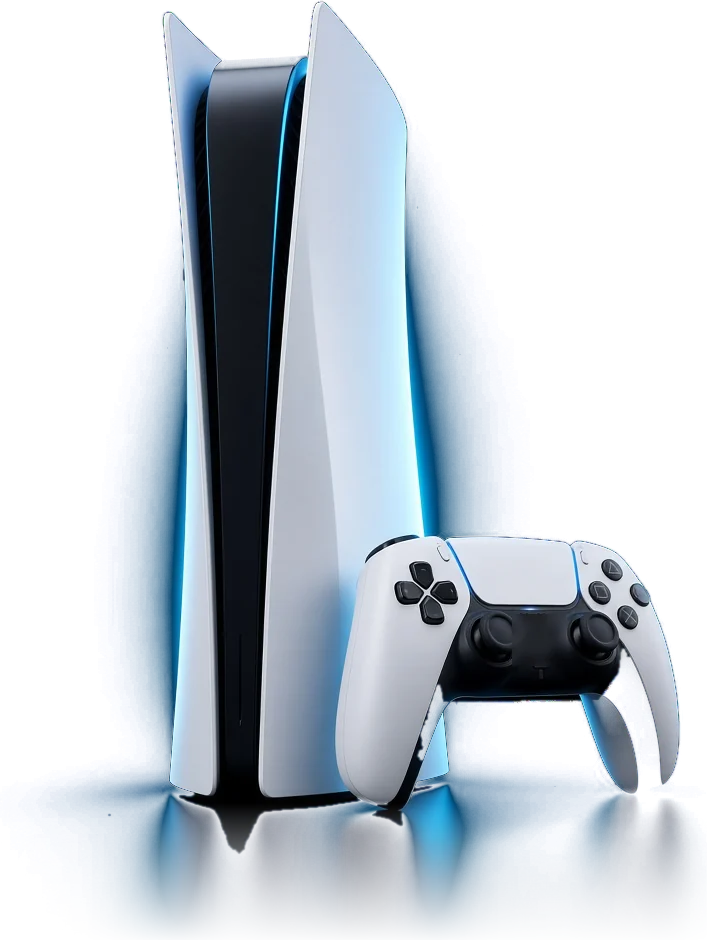
PS5 Launcher for PC
Play your favorite PlayStation®5 games on PC.
Download the launcher, install it, sign in inside the app with your account, and start playing PS5 games on your PC.
Windows 10 / 11 (64-bit)
PS5 Launcher is a desktop app for Windows PCs. Open this page on your Windows computer to download it.
-
Play PS5 Games on PC
Access a growing library of PlayStation®5 titles on Windows.
-
Simple Setup
Download, install, and sign in inside the launcher.
-
Cloud Saves
Keep your progress and continue on any supported PC.
-
High Performance
Smooth gameplay, stable connection, and great visuals.
Featured PS5 Games
Play the biggest PlayStation®5 hits on your PC through the launcher.
-

Grand Theft AutoVI
-

Marvel'sSpider-Man 2
-

God of WarRagnarök
-

HorizonForbidden West
-

Demon's Souls
-

Ghost ofYōtei
-

On the BeachDeath Stranding 2
-

Astro Bot
-

Gran Turismo 7
-

The Last of UsPart I
-

The Last of UsPart II Remastered
-
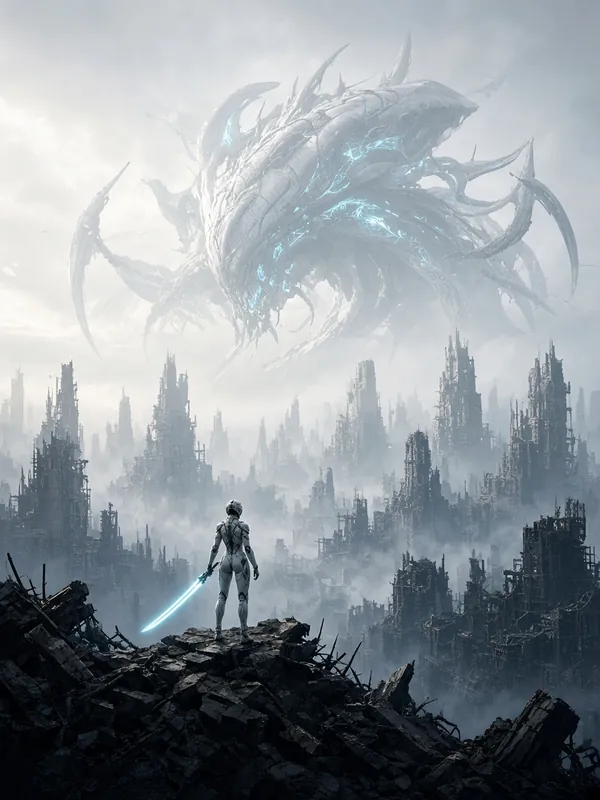
Stellar Blade
-

Black MythWukong
-

Rise of theRonin
-

Ratchet & ClankRift Apart
-

Final Fantasy VIIRebirth
-

Silent Hill 2
-
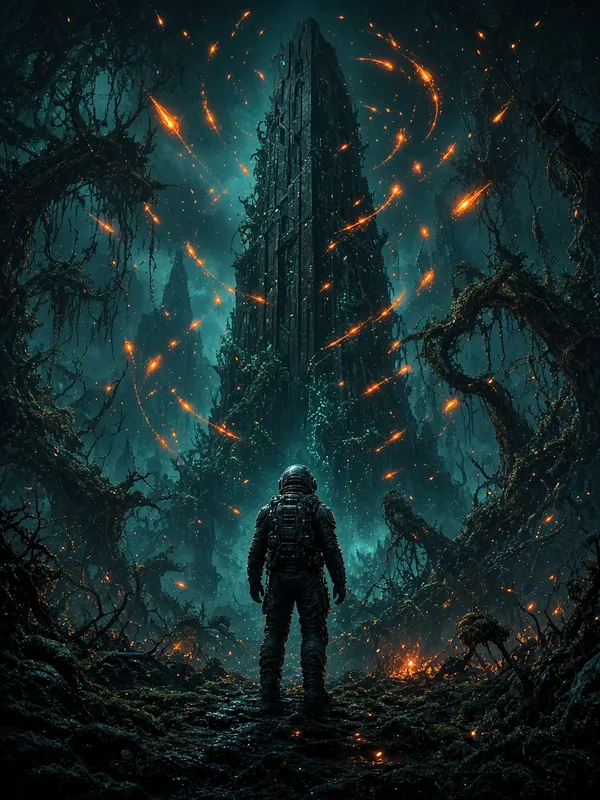
Returnal
-
 Release status TBA
Marvel'sWolverine
-

Assassin's CreedShadows
How It Works
Get started in a few simple steps.
-
Download Launcher
Download the installer for Windows.
-
Install & Launch
Install the application and open the launcher on your PC.
-
Sign In & Play
Sign in inside the launcher and access your supported games.
Your Gaming Library in One Place
Home screen, library, catalog, downloads, cloud saves and settings — all inside one launcher.
 PS5 Launcher
PS5 Launcher
PS5 Launcher
PS5 Launcher
Last sync: today, 18:42
Synced
Last sync: yesterday
Synced
Last sync: 3 days ago
Synced
Last sync: last week
Synced
Last sync: last week
Synced
Last sync: 2 weeks ago
Synced
PS5 Launcher
Account
Sign-in happens inside the launcher through the official secure sign-in page. The launcher never asks for or stores your password.
Sign in securelyController
Graphics
General
Concept preview. The final launcher interface may differ.
System Requirements
Check that your PC is ready for the launcher.
Minimum Requirements
- Operating System
- Windows 10 (22H2) / Windows 11
64-bit - Processor
- Intel Core i5-9600K
AMD Ryzen 5 3600 - Memory
- 16 GB RAM
- Graphics
- NVIDIA GeForce RTX 2060 6 GB
AMD Radeon RX 5700 8 GB - Internet Connection
- Broadband, 25 Mbps
- Storage
- SSD, 150 GB available
Recommended Requirements
- Operating System
- Windows 11, 64-bit
- Processor
- Intel Core i7-12700K
AMD Ryzen 7 5800X3D - Memory
- 32 GB RAM
- Graphics
- NVIDIA GeForce RTX 4070 12 GB
AMD Radeon RX 7800 XT 16 GB - Internet Connection
- Broadband, 50+ Mbps
wired connection recommended - Storage
- NVMe SSD, 500 GB available
Minimum: 1080p at medium settings. Recommended: 1440p at high settings. Storage depends on how many games you install; requirements may be updated after testing of the release build.
Frequently Asked Questions
What is PS5 Launcher for PC?
PS5 Launcher for PC is a Windows desktop application that brings supported PlayStation®5 titles together in one place: a game library, a catalog, downloads, cloud saves and settings.
It is an independent project and is not affiliated with or endorsed by Sony Interactive Entertainment.
How do I install the launcher?
Click Download Launcher, run the installer and follow the on-screen steps. When the installation is finished, open PS5 Launcher from the Start menu and sign in inside the app.
Only download the installer from this website, and check that Windows shows the verified publisher in the security prompt before you continue.
Do I need a PS5 console?
Requirements depend on how each game is accessed. The exact requirements for every title — including whether a console, an account or a subscription is needed — are shown on the game's page inside the launcher and will be listed here at release.
Which games are supported?
Every game in the catalog has its own status. Only titles marked Supported can be played through the launcher. Titles marked Compatibility TBA have not been confirmed yet.
Can I play GTA VI on PC?
Grand Theft Auto VI is listed in the catalog so you can follow its status. Its availability on PC depends on the official release by its publisher, and it will not be marked as playable until it is actually supported. Check the status badge on its card.
Do I need a PlayStation account?
You sign in inside the launcher, never on this website. Sign-in uses the official secure sign-in page — the launcher does not ask for or store your PlayStation™Network password.
Some games may require an account or an active subscription; this is shown for each title.
Does the launcher support controllers?
The launcher is built for gamepad play as well as keyboard and mouse. The list of confirmed controllers and connection types will be published together with the release build.
Does it work on Windows 10 and Windows 11?
Yes. PS5 Launcher is made for 64-bit versions of Windows 10 and Windows 11. macOS, Linux and mobile devices are not supported.
How do I update the launcher?
When a new version is available, the launcher lets you know and installs the update. You can also download the latest installer from this page at any time.
Your Next Gaming Experience Starts Here
Get PS5 Launcher for your Windows PC, sign in inside the app and keep your games in one place.
Download LauncherWindows 10 / 11 (64-bit)
PS5 Launcher is a desktop app for Windows PCs. Open this page on your Windows computer to download it.
SHA-256: